Unraid Traefik Rolling Update
Open-source project by Gauthier Painteaux
On Unraid, updating a container means stopping it, removing it and recreating it: the site is down for the whole operation. Behind Traefik, that isn’t necessary. This plugin starts the new version next to the old one and only switches traffic over once it’s ready.
- PHP
- Unraid
- Traefik
- Docker
- Version
- 2026.09.15
- Stars
- 1
- License
- GPL-2.0
- Updated
- requests dropped out of ~500 during the switch: this plugin vs Unraid’s native update
- 1–2 vs ~50
- labels or healthchecks to write
- 0
How Unraid Traefik Rolling Update works
- 1
Pull
The new image is downloaded.
- 2
Start
A second instance starts alongside.
- 3
Health gate
Traefik waits until it’s healthy.
- 4
Switch
The old instance is stopped.
- 5
Cleanup
Old container and image removed.
Unraid Traefik Rolling Update highlights
Automatic rollback
If the new version never becomes healthy, it’s removed and the old one keeps running, with a notification explaining why.
Zero configuration
Missing Traefik labels and healthchecks are added to the new instance automatically; the template is never modified.
Custom healthchecks
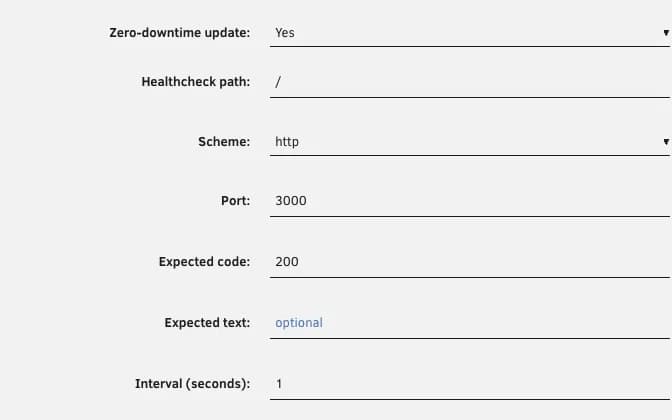
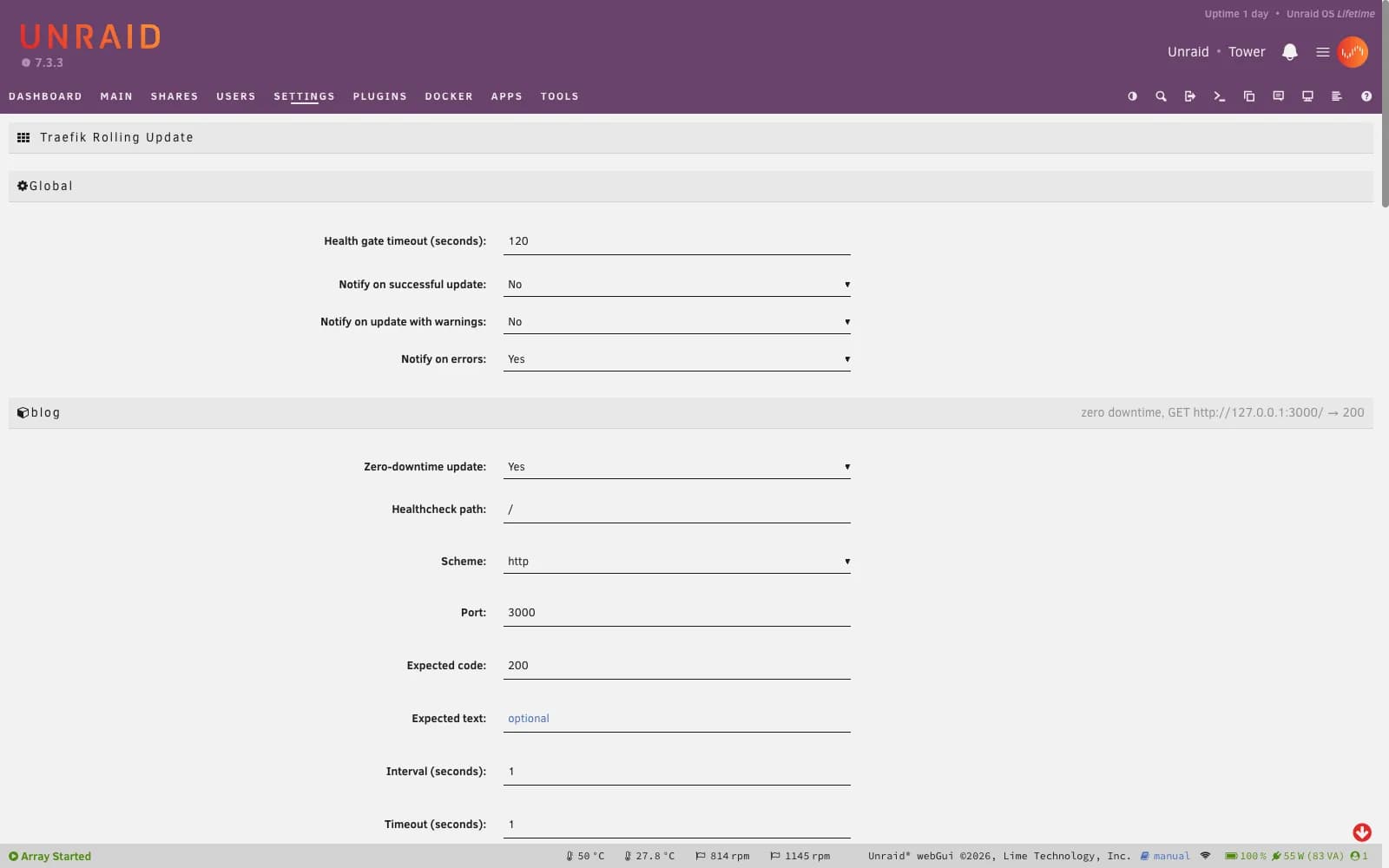
Per container: path, port, expected status code and response text, interval and timeouts, Coolify-style.
Native everywhere else
Containers you haven’t opted in keep Unraid’s native update, and uninstalling the plugin restores the original behavior.
Screenshots
Unraid Traefik Rolling Update tech stack
- PHP
- The plugin hooks into the Update buttons on Unraid’s Docker page and adds its own settings page.
- Docker healthchecks
- Traefik ignores containers that aren’t healthy: that’s what acts as the health gate before the switch.
- Traefik labels
- The old instance’s implicit service and port are copied over, following Traefik’s rules.
- Self-tests
- The decision logic is tested locally, without Docker or an Unraid server.
Install Unraid Traefik Rolling Update
- 1
In Unraid, open Plugins › Install Plugin and paste the plugin URL.
- 2
In Settings › Utilities › Traefik Rolling Update, enable zero-downtime updates for the containers you want.
- 3
Reload the Docker page: Update and Update All now go through the rolling update.
https://raw.githubusercontent.com/Greite/unraid-traefik-rolling-update/main/traefik.rolling.update.plg