Speedtest Monitor
Open-source project by Gauthier Painteaux
Your ISP promises a speed; Speedtest Monitor checks whether it delivers. It measures your connection at regular intervals with Cloudflare’s engine, keeps the full history and alerts you as soon as throughput or latency degrades.
- Next.js
- Bun
- TypeScript
- SQLite
- Version
- v1.23.11
- Stars
- 4
- License
- MIT
- Updated
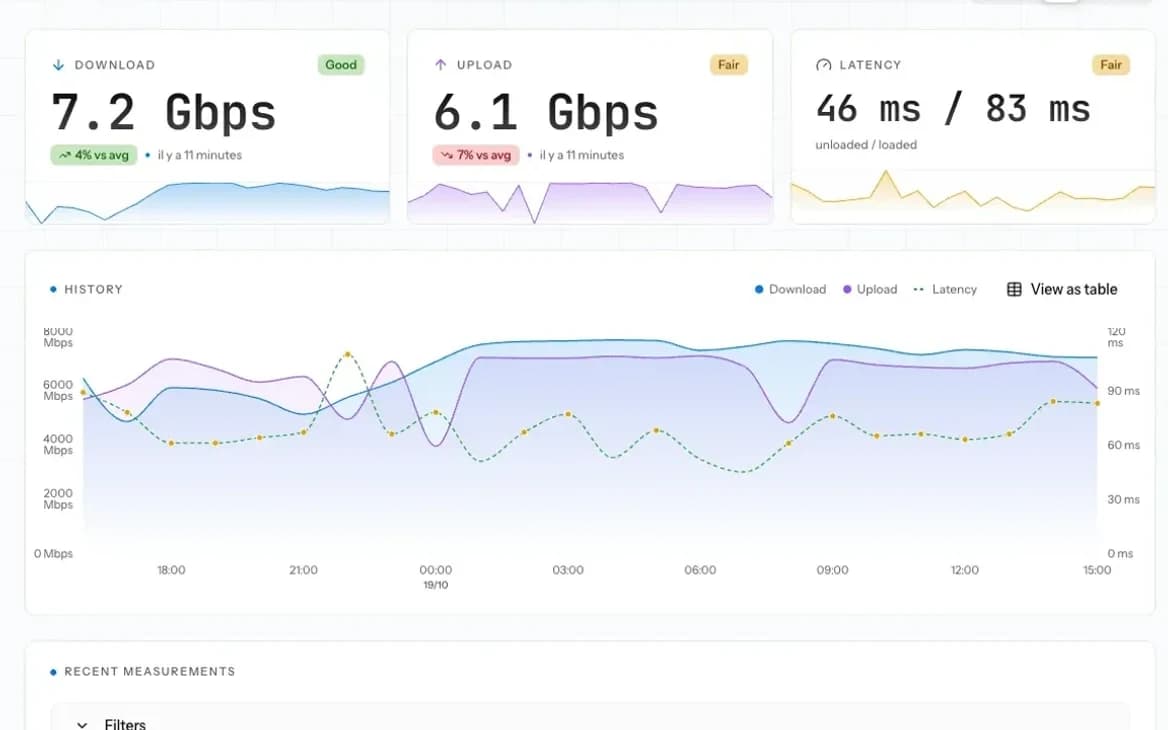
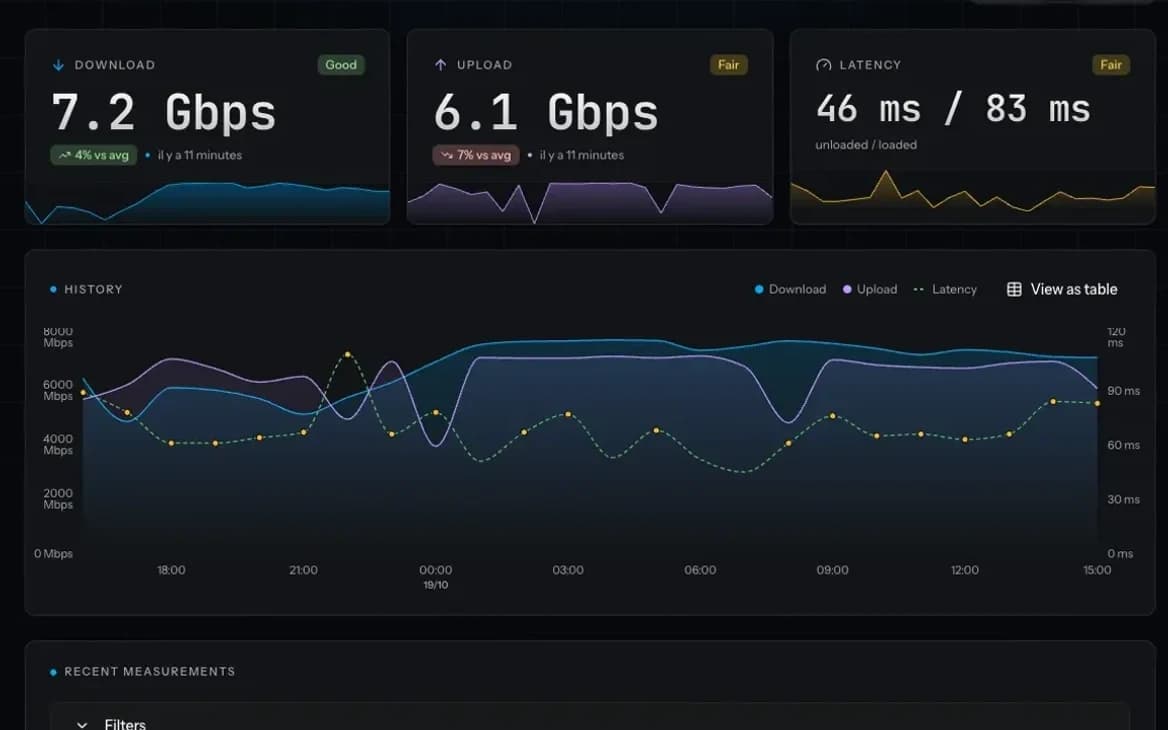
- of history on screen, across 5 selectable ranges
- 6 h–30 days
- alert channels: webhook, ntfy, Discord, Slack, email
- 5
- between tests, adjustable on the fly
- 1–1,440 min
How Speedtest Monitor works
- 1
Scheduling
A test starts at the chosen interval.
- 2
Measurement
Cloudflare Speed Test, over plain HTTP.
- 3
Storage
The result goes into SQLite.
- 4
Push
The dashboard receives it over WebSocket.
- 5
Alerting
Thresholds are checked after every test.
Speedtest Monitor highlights
Real-time dashboard
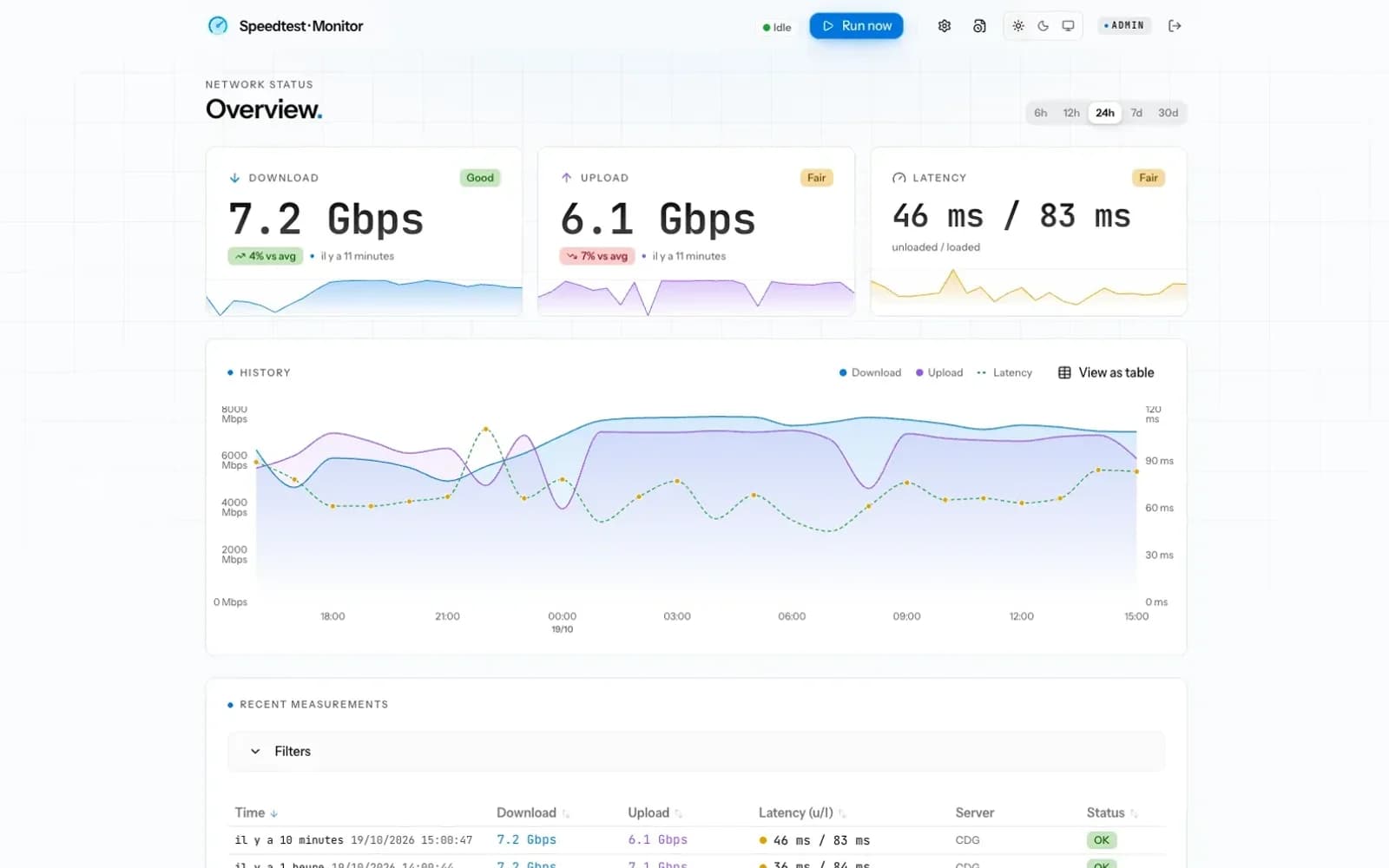
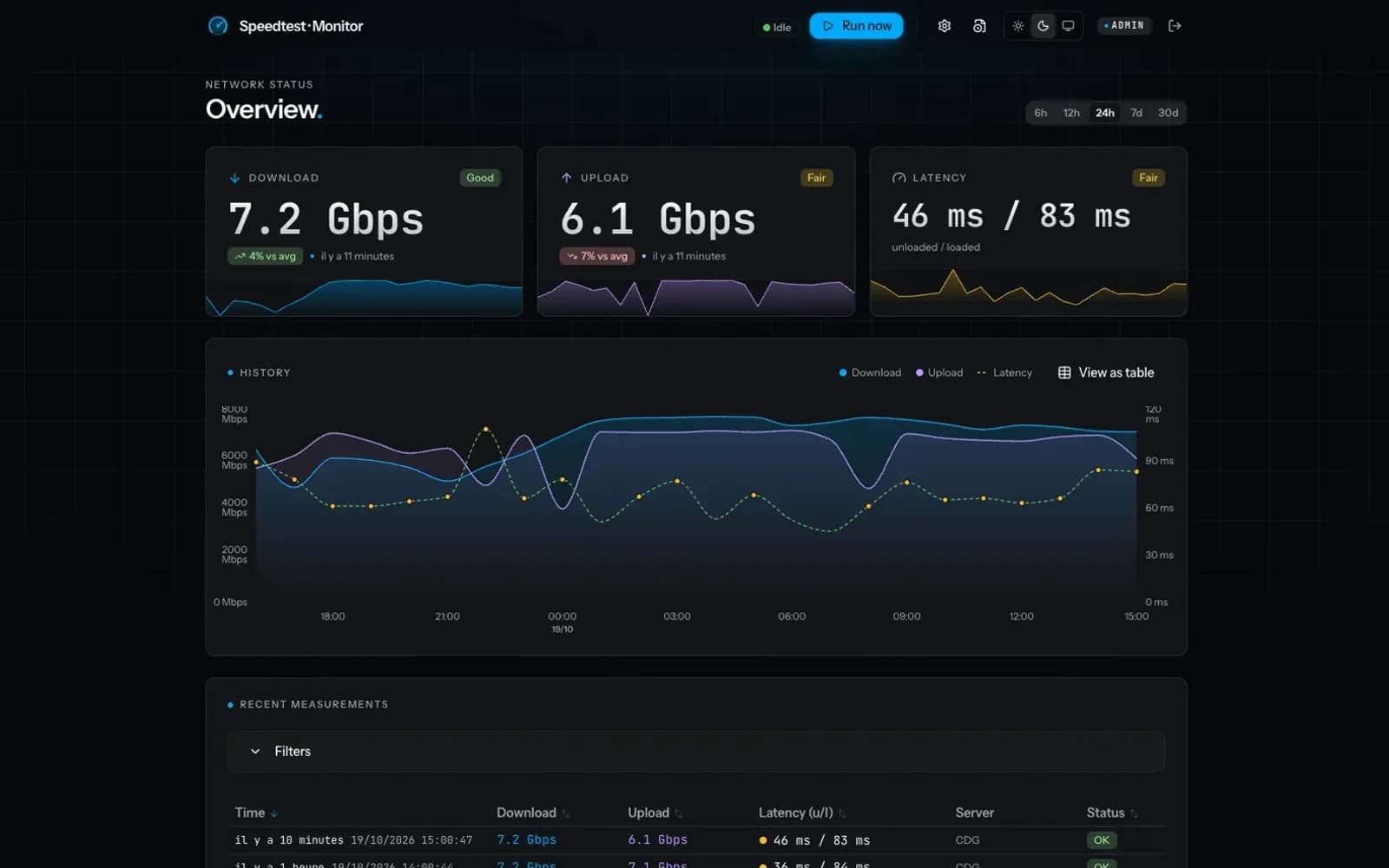
Each result streams in live over WebSocket: download, upload, latency, jitter and bufferbloat, charted from the last 6 hours up to 30 days.
Built for multi-gigabit
Download, upload, latency, jitter and bufferbloat measured with Cloudflare Speed Test, tunable to saturate multi-gigabit links.
Degradation alerts
Set thresholds on throughput, latency, bufferbloat or consecutive failures. Alerts go out via webhook, ntfy, Discord, Slack or email, once per incident.
Accounts and SSO
Admin and viewer roles, password or OIDC login, tested with Authelia, Authentik and Keycloak.
Screenshots
Speedtest Monitor tech stack
- Next.js + Bun server
- One server handles both the app and the WebSocket, so there’s a single container and a single port to expose.
- SQLite + Drizzle
- A single-file database with no extra service, and versioned migrations applied at startup.
- Cloudflare Speed Test
- Plain HTTP measurements, no browser needed, on Cloudflare’s global network.
- Better Auth
- Database-backed sessions and a generic OIDC provider, without reinventing authentication.
Install Speedtest Monitor
- 1
Create a compose.yml using the image published on ghcr.io (amd64 and arm64).
- 2
Generate the authentication secret, then start the container.
- 3
Open http://localhost:3000/setup and create the first admin account.
services:
  speedtest:
    image: ghcr.io/greite/speedtest-monitor:latest
    restart: unless-stopped
    ports:
      - "3000:3000"
    environment:
      AUTH_SECRET: ${AUTH_SECRET}
      TZ: Europe/Paris
    volumes:
      - speedtest-data:/data

volumes:
speedtest-data:echo "AUTH_SECRET=$(openssl rand -base64 32)" > .env
docker compose up -d